

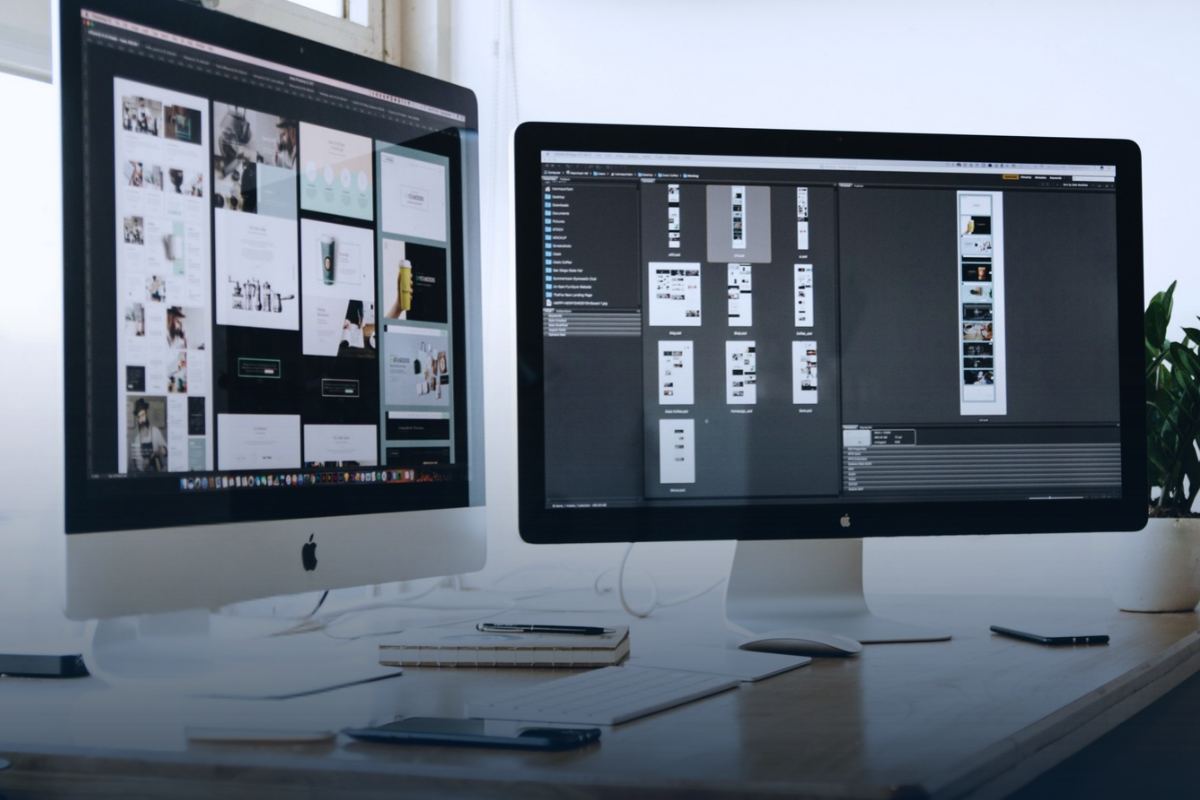
A translation project begins long before the first sentence is translated, and continues well beyond the last. For a simple Word document, the process may be relatively straightforward: the source text is translated, reviewed and returned in an editable format. But when the document to be translated is a brochure, annual report, presentation, label, packaging file or PDF, there’s often another important part of the process: desktop publishing (DTP).
DTP covers the preparation, formatting and typesetting work required to turn translated content into a finished, publication-ready document. Depending on the project, this work may take place before translation, after translation, or at both stages.
At Eurideas, we can handle DTP as part of a complete translation project or provide it as a standalone service – whether you need to turn a simple Word file into a professionally designed InDesign publication, recreate an editable document from a PDF, or convert a scanned document into an editable format.
What does DTP involve?
Depending on the document and language combination, multilingual DTP may involve:
Text and layout
- adjusting text boxes, text flow and page breaks
- adapting line and paragraph spacing
- reviewing headings, captions and font sizes
- adjusting hyphenation and line breaks
- resizing tables and columns
Tables, graphics and images
- adapting tables, charts and diagrams to the translated text
- translating or recreating text embedded in images
- adjusting or rebuilding graphic elements for different language versions
- maintaining consistent layout design across the document
Fonts and language-specific typesetting
- ensuring fonts support the required characters and writing systems
- adapting line breaking, hyphenation and punctuation to each language
- restructuring layouts for right-to-left languages, such as Arabic and Hebrew
- checking that text, images, tables and other design elements work correctly in every language version
- adjusting layouts to accommodate differences in text length between languages (e.g., English → Spanish), which may sometimes even require adding a new page in InDesign
Why does a PDF take longer to translate?
The file format can make a significant difference to the translation workflow. A PDF is primarily designed as a final-output format, so its text, images, tables and design elements may not be structured in a way that allows them to be edited directly.
Depending on how the PDF was created, additional work may therefore be needed before translation can begin. Text may need to be extracted, formatting may need to be reconstructed, and elements such as tables, graphics or text embedded in images may require separate handling. The same applies to complex design files. An annual report created in InDesign, for example, may contain multiple master pages, linked graphics, tables, text boxes, styles and other design elements that all need to remain consistent across the translated versions.
This is why two projects containing a similar amount of text can require very different amounts of work. The difference lies not only in the number of words being translated, but also in the work required to turn those translated words back into a complete, professional document.
DTP before and after translation
DTP isn’t necessarily a single step at the end of a translation project. Depending on the file and the project requirements, some work may be needed before translation begins. This can include preparing the source file, organising styles, extracting text from graphics, or preparing an InDesign or Illustrator file for the translation workflow.
After translation, the content can then be placed back into the design and the layout adjusted for each language version.
A typical project may therefore involve:
Source file → DTP preparation → Translation → Typesetting → Linguistic review → Final QA
The exact workflow depends on the document, but the objective remains the same: to deliver a translated document that’s ready to use, publish or print.
DTP as a standalone service
DTP doesn’t always have to be part of a translation project. You may simply have a document that needs professional formatting, redesign or conversion into an editable format.
For example, you may have:
- a simple Word document that needs to be professionally formatted or turned into a polished InDesign publication
- a PDF without an editable source file that needs to be recreated in Word or InDesign
- a scanned document that needs to be converted into an editable format
- an existing publication that needs its layout adapted for several languages
At Eurideas, we can support these steps individually or as part of a complete translation and DTP workflow, creating publication-ready documents.
From translated text to publication-ready document
At Eurideas, we work with formats including InDesign (IDML) and Illustrator (AI), and can provide DTP support for brochures, annual reports, training materials, labels, packaging, corporate publications and other multilingual documents.
Whether you need document translation and DTP as one integrated service or professional formatting for a monolingual document, we can help take your project from source file to finished publication.
Need help with the translation, formatting or typesetting of your document? Contact Eurideas to discuss your next project.